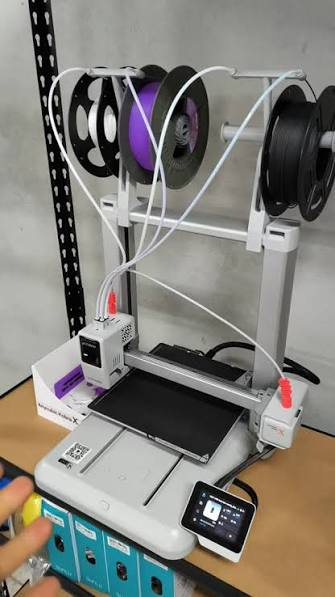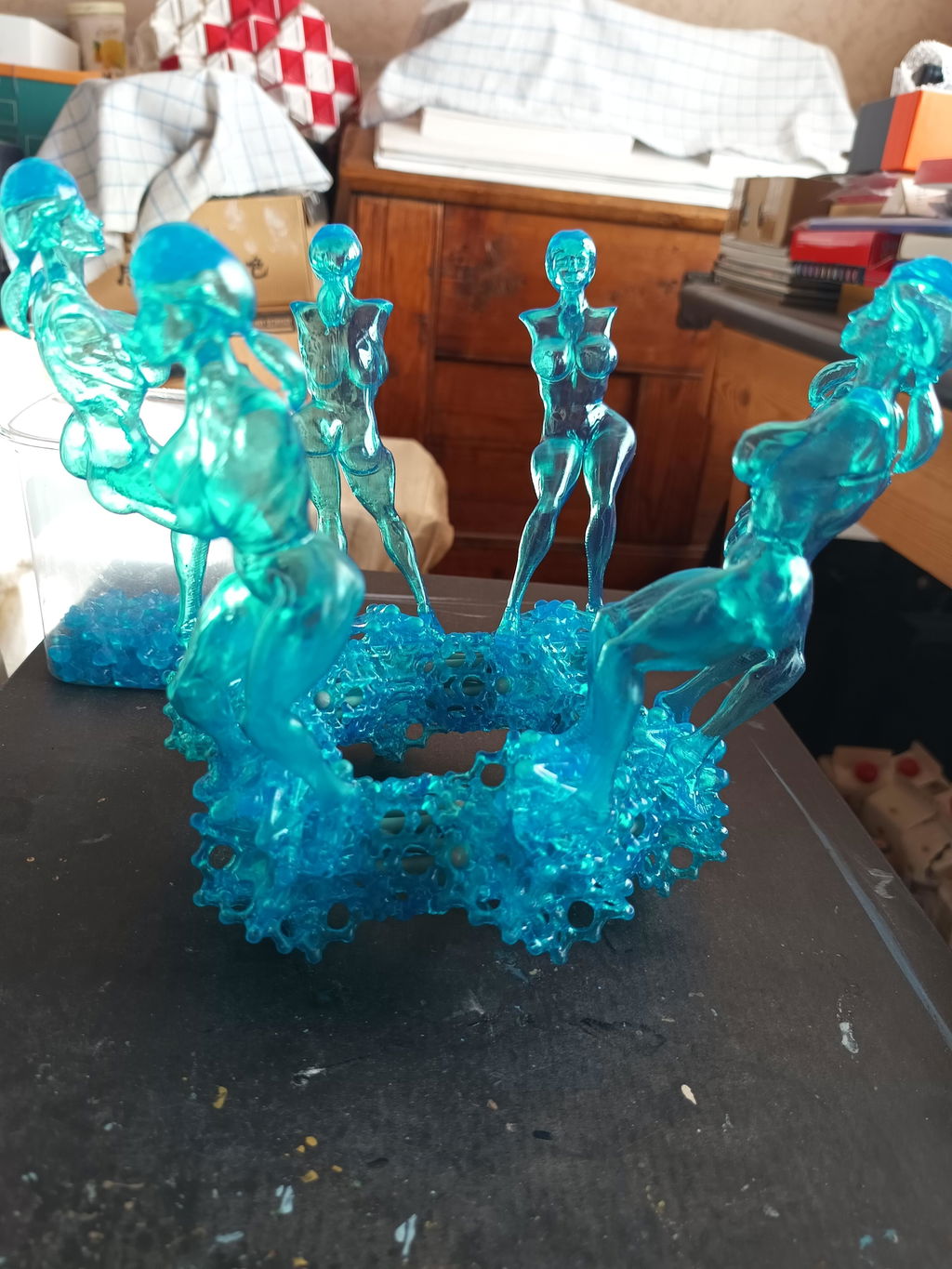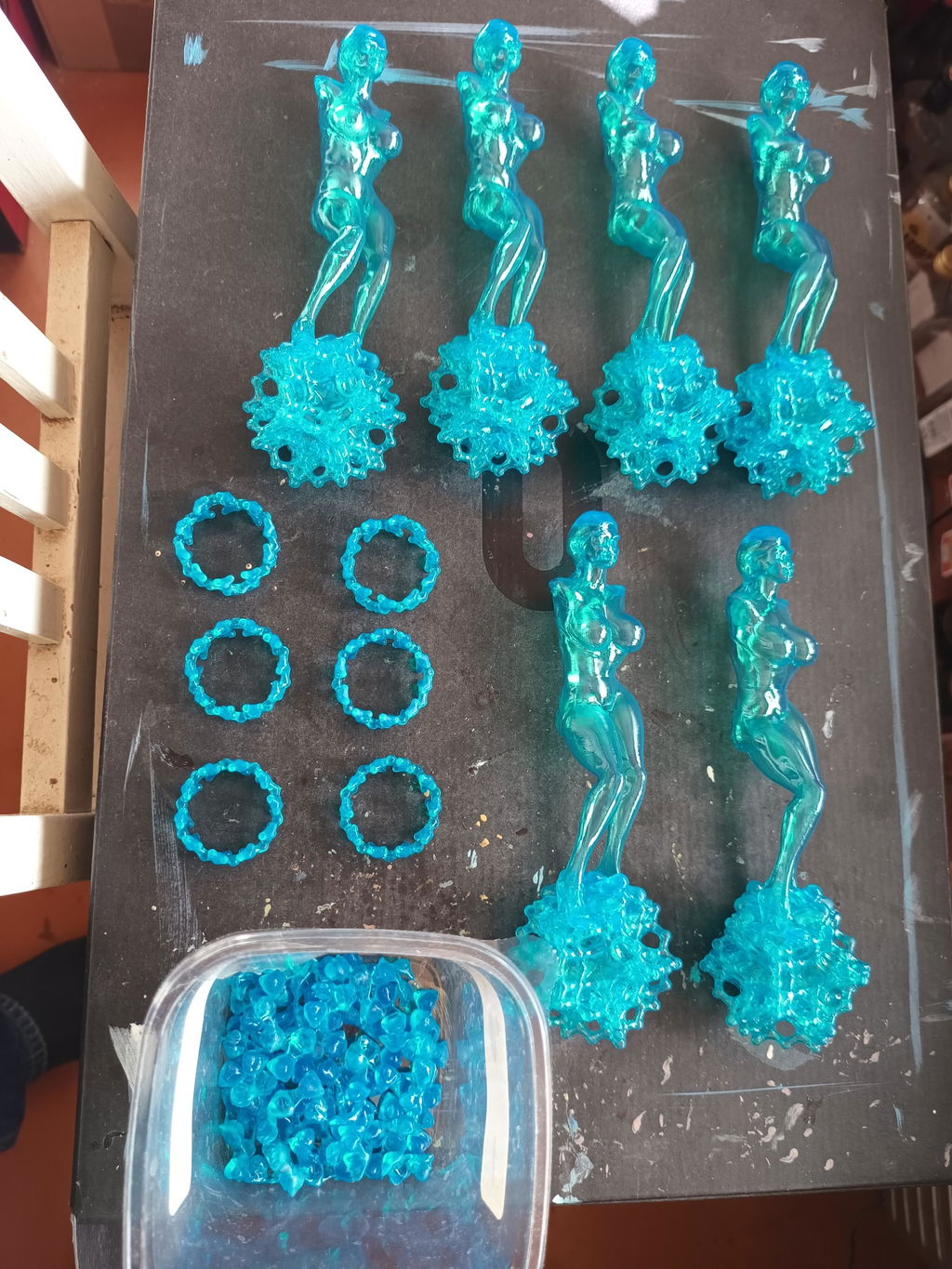
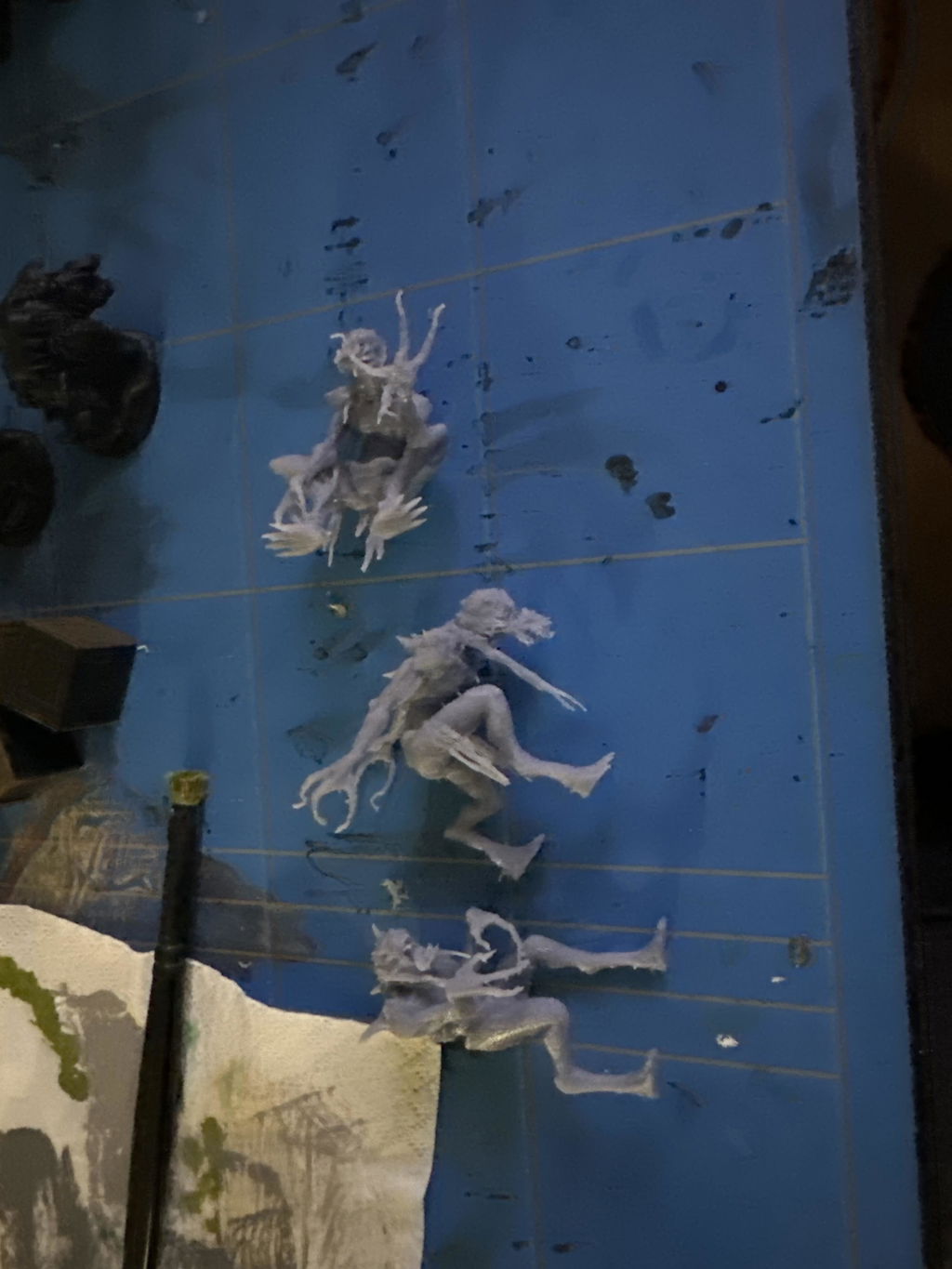


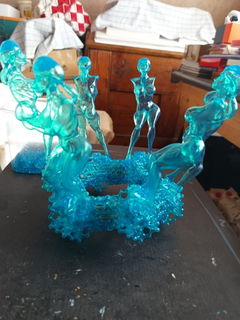
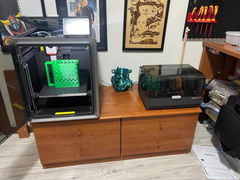
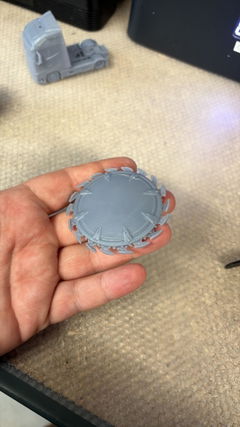
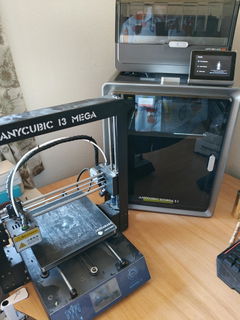
Hibátlan! Arra érdemes figyelni, hogy ami eleve jól tapad, az itt bitangul kapaszkodni fog, leszedni kihívás! Brim különösen nehezen jön le, olyankor irány a fagyasztó.
High-Strength & Resilience
Reformulated from classic, delivering unprecedented toughness. Resulting models resist drops/impacts, flex without fracture, and balance strength with ductility.
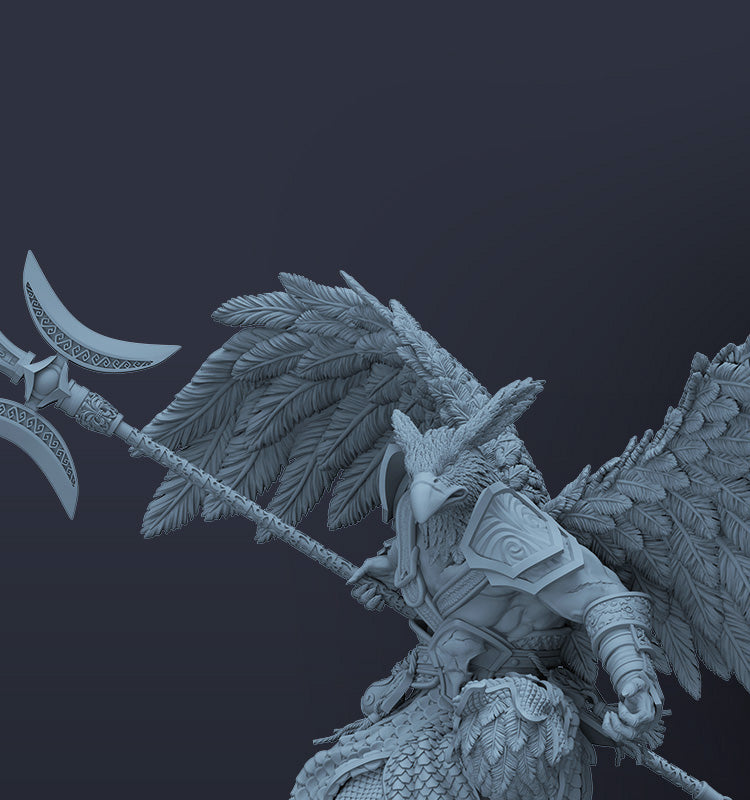
High Levels of Details
4.3% volumetric shrinkage rate offers enhanced deformation resistance & superior dimensional accuracy. Resulting models resist drops/impacts, flex without brittle fracture, and balance strength with ductility.
Rapid Resin Flow for Exceptional Precision
Anycubic resin features low viscosity and excellent flow properties, reducing overall print time and increasing printing efficiency. Its fast bubble dissipation reproduces intricate details while delivering smoother surfaces. Additionally, it provides superior bed adhesion to minimize risks of model detachment and print failures.
Low-Odor & Safe to Use
Anycubic resin features a specially engineered low-odor formulation, delivering zero irritation for a pleasant, comfortable printing experience.
All You Need to do is Press Start
Photon Workshop, Anycubic's official slicer, comes loaded with pre-configured optimal settings for every Anycubic resin. This eliminates tedious manual tuning, ensuring you achieve consistently high print success rates and exceptional model quality right out of the box.
Wide Compatibility
Compatible with all 405nm UV-curing LCD/DLP 3D printers on the market, while delivering optimal print performance when paired with Anycubic LCD 3D printers.
File Download
Recommended Printing Parameters
| Printer Model | Layer Thickness | Exposure Time | Light-Off Time | Bottom Exposure Time | Bottom Layers | Anti-Aliasing Level | Z Lift Distance | Z Lift Speed | Z Retract Speed |
| Photon P1 | 0.05 mm | 2 s | 2 s | 20 s | 1 | 4 | 5 mm | 3 mm/s | 3 mm/s |
| Photon Mono M7 | 0.05 mm | 2.2 s | 0.5 s | 25 s | 4 | 1 | 8 mm | 6 mm/s | 6 mm/s |
| Photon Mono M7 Pro | 0.05 mm | 1.8 s | 0.5 s | 25 s | 3 | 1 | 8 mm | 6 mm/s | 6 mm/s |
| Photon Mono M7 Max | 0.05 mm | 2 s | 0.5 s | 30 s | 5 | 1 | 8 mm | 6 mm/s | 6 mm/s |
| Photon Mono M5 | 0.05 mm | 2.8 s | 0.5 s | 25 s | 5 | 1 | 8 mm | 5 mm/s | 6 mm/s |
| Photon Mono M5s | 0.05 mm | 2.8 s | 0.5 s | 25 s | 5 | 1 | 8 mm | 5 mm/s | 6 mm/s |
| Photon Mono M5s Pro | 0.05 mm | 3.6 s | 0.5 s | 30 s | 5 | 1 | 8 mm | 6 mm/s | 6 mm/s |
| Photon Mono 4 | 0.05 mm | 2.8 s | 1 s | 30 s | 5 | 1 | 6 mm | 4 mm/s | 6 mm/s |
| Photon Mono 4K | 0.05 mm | 2 s | 0.5 s | 40 s | 6 | 1 | 6 mm | 4 mm/s | 6 mm/s |
| Photon Mono 4 Ultra | 0.05 mm | 2.6 s | 1 s | 30 s | 5 | 1 | 5 mm | 8 mm/s | 8 mm/s |
| Photon Mono 2 | 0.05 mm | 2.5 s | 1 s | 25 s | 5 | 1 | 6 mm | 4 mm/s | 6 mm/s |
| Photon Mono X2 | 0.05 mm | 2.5 s | 0.5 s | 20 s | 5 | 1 | 8 mm | 2 mm/s | 3 mm/s |
| Photon Mono X 6K | 0.05 mm | 2 s | 0.5 s | 25 s | 6 | 1 | 8 mm | 2 mm/s | 3 mm/s |
| Photon Mono X6Ks | 0.05 mm | 2.5 s | 0.5 s | 20 s | 5 | 1 | 8 mm | 3 mm/s | 4 mm/s |
| ANYCUBIC Photon M3 Max | 0.05 mm | 3 s | 2.5 s | 35 s | 6 | 1 | 10 mm | 2 mm/s | 3 mm/s |
| ANYCUBIC Photon M3 Premium | 0.05 mm | 2.5 s | 0.5 s | 25 s | 2 | 1 | 8 mm | 6 mm/s | 6 mm/s |
Color Type
Instructions for Use
1. Before using:
(1) Shake the liquid resin before use.
(2) Clean the resin vat and the build plate.
(3) Ensure the tank bottom remains highly transparent.
(4) Confirm the release film is undamaged.
(5) Verify correct print parameter settings.
(6) Recommended printing environment: 20-35 °C (to prevent temperature-related failures).
2. When using:
(1) Unscrew the bottle cap and remove the sealing film.
(2) Pour resin into the tank without exceeding the max fill line.
3. After printing:
Use the included tools for post-processing:
Scraper/Flush cutters/Tweezers/Gloves/≥95% IPA cleaning solution.
4. Post-processing steps:
(1) Remove models from the build plate using the scraper; remove the supports.
(2) Clean models in the Anycubic Wash & Cure machine for ~10 minutes (use ≥95% alcohol or cleaner).
(3) Dry models: Air-dry, blow-dry, or use a drying chamber (prevents water absorption/cracking).
(4) Secondary curing: Cure models for 3-5 minutes.
(5) Resin recycling: Filter through a 100-mesh sieve.
Precautions
- Store at room temperature away from light.
- Recommended use temperature: >20°C (low temperatures reduce success rate; high temperatures accelerate pigment settling).
- If pigment settles: Stir with a plastic scraper or shake the resin bottle. Resin cures under sunlight. Print in dim, ventilated areas or cover the printer.
- Remove models promptly after washing to avoid property degradation.
- Always wear nitrile gloves and goggles (avoid skin/eye contact).
- Waste disposal: Cure resin completely before discarding as solid waste.
- Maintain ventilation; keep liquid away from pregnant women, children, and pets.
⚠️ Additional Notes: Material properties may vary based on printing equipment, post-curing methods, or testing equipment.
For safety data/certifications (e.g., MSDS, REACH, RoHS, EAN, TDS), refer to product documentation.